Phone Number Management
Use the available number management and blocking options to control which numbers you do not want to receive calls from.
SpamBlock · Android Phone Security
Take control of the calls you receive, manage suspicious text messages and be more careful with potentially risky links. SpamBlock helps you manage your everyday phone communication on Android.
View SpamBlock on Google PlayFor Android devices. Some features require specific permissions and device settings.
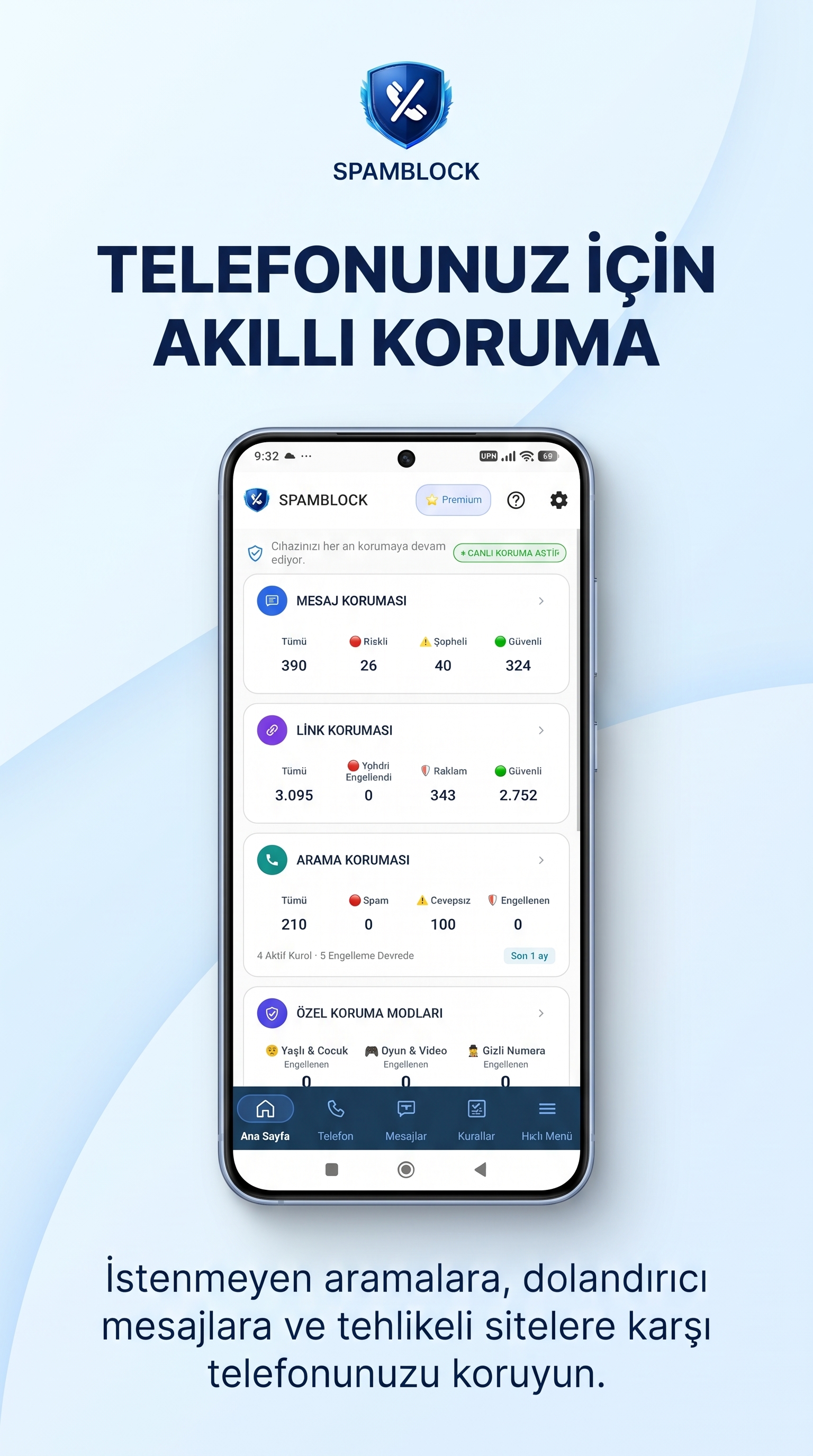
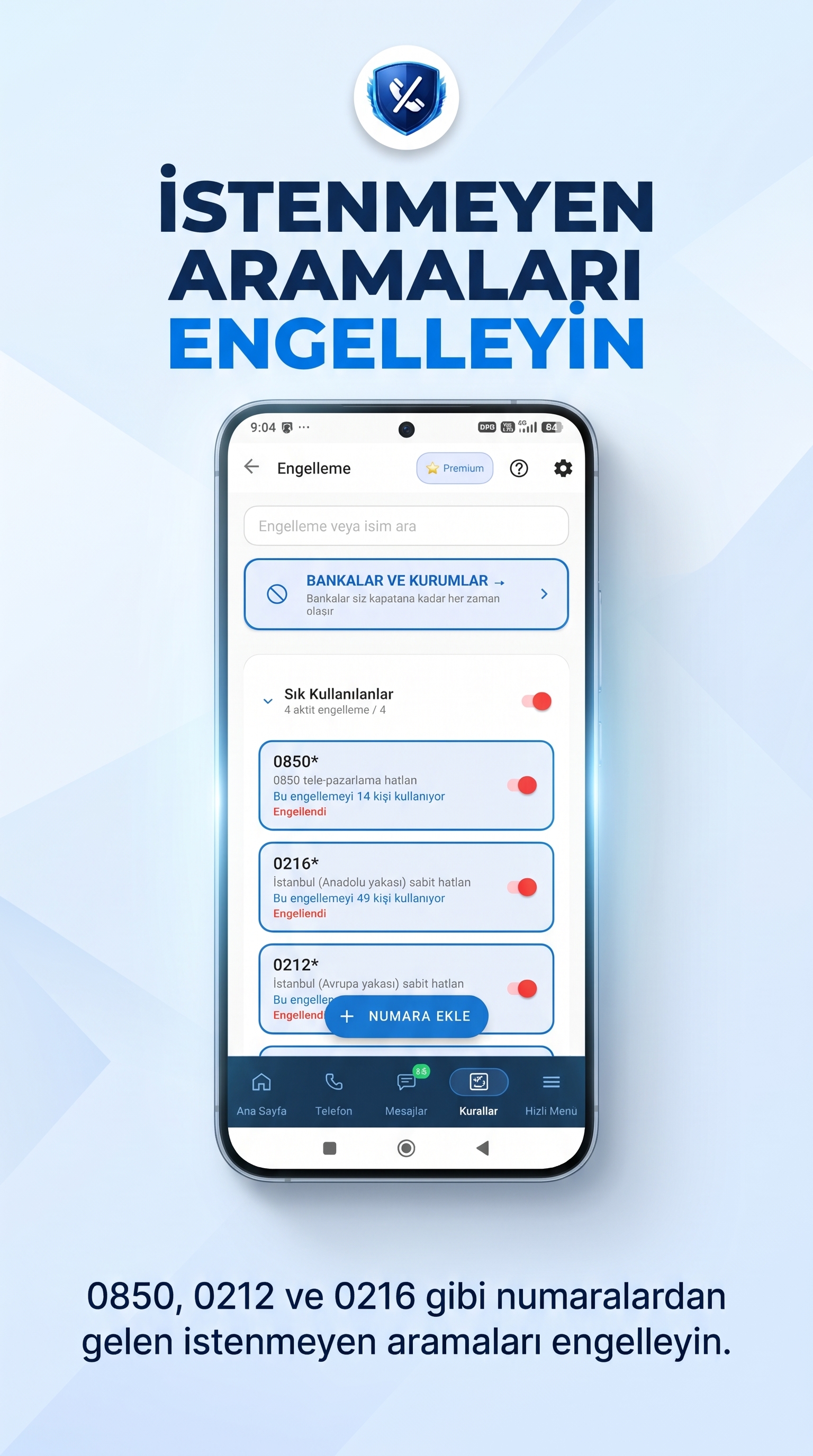
Calls from unknown or unwanted numbers can interrupt your work and daily activities. SpamBlock provides tools to help you manage incoming calls and choose how to handle numbers you do not want to hear from.
Depending on the permissions granted and your device settings, you can use the call protection options supported by the app.
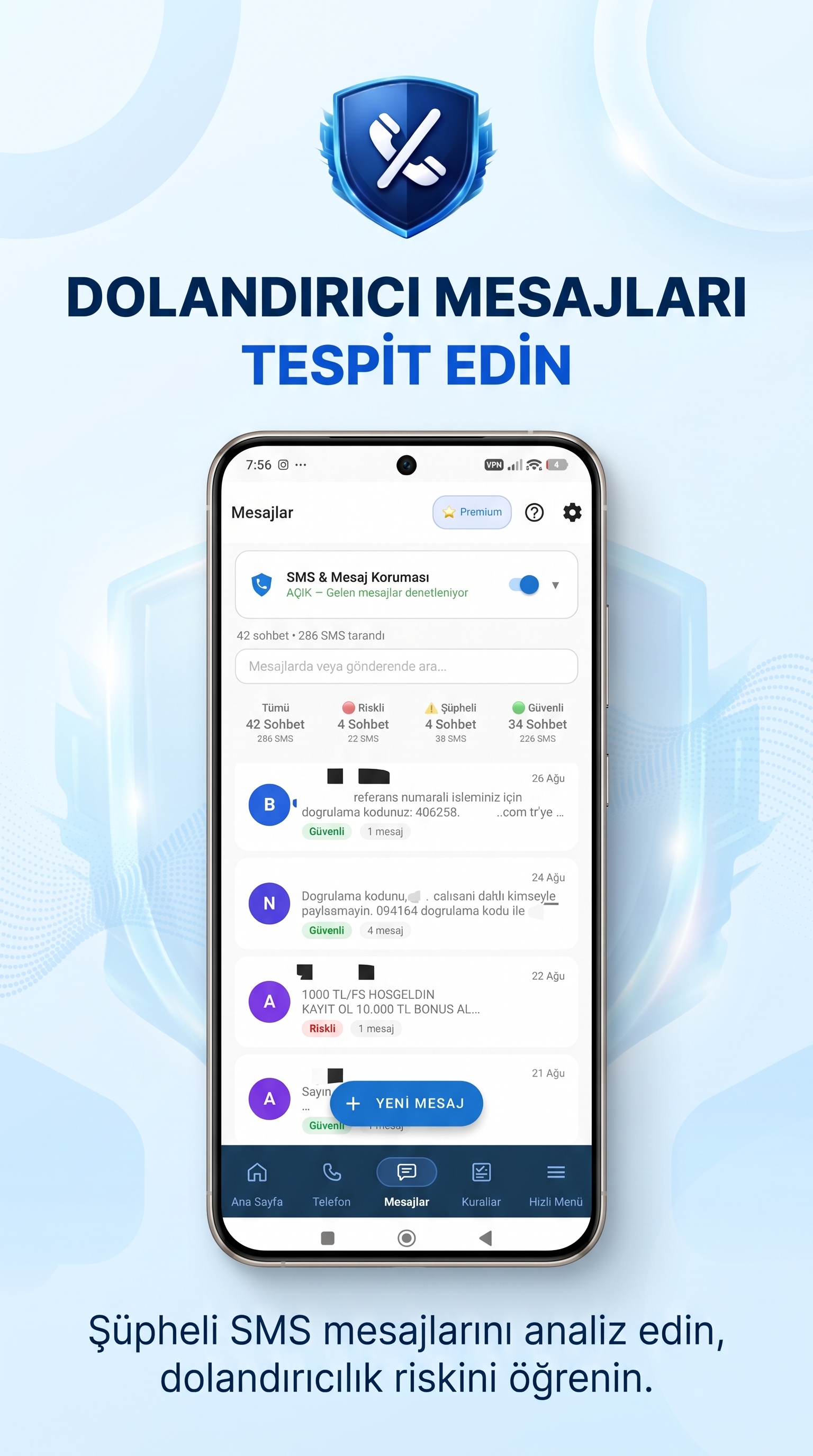
Unwanted text messages may contain advertisements, suspicious information or links that you did not ask for. SpamBlock helps you review and manage messages using the features available in the app.
Always check the sender and message content carefully before replying or following instructions from an unfamiliar text message.
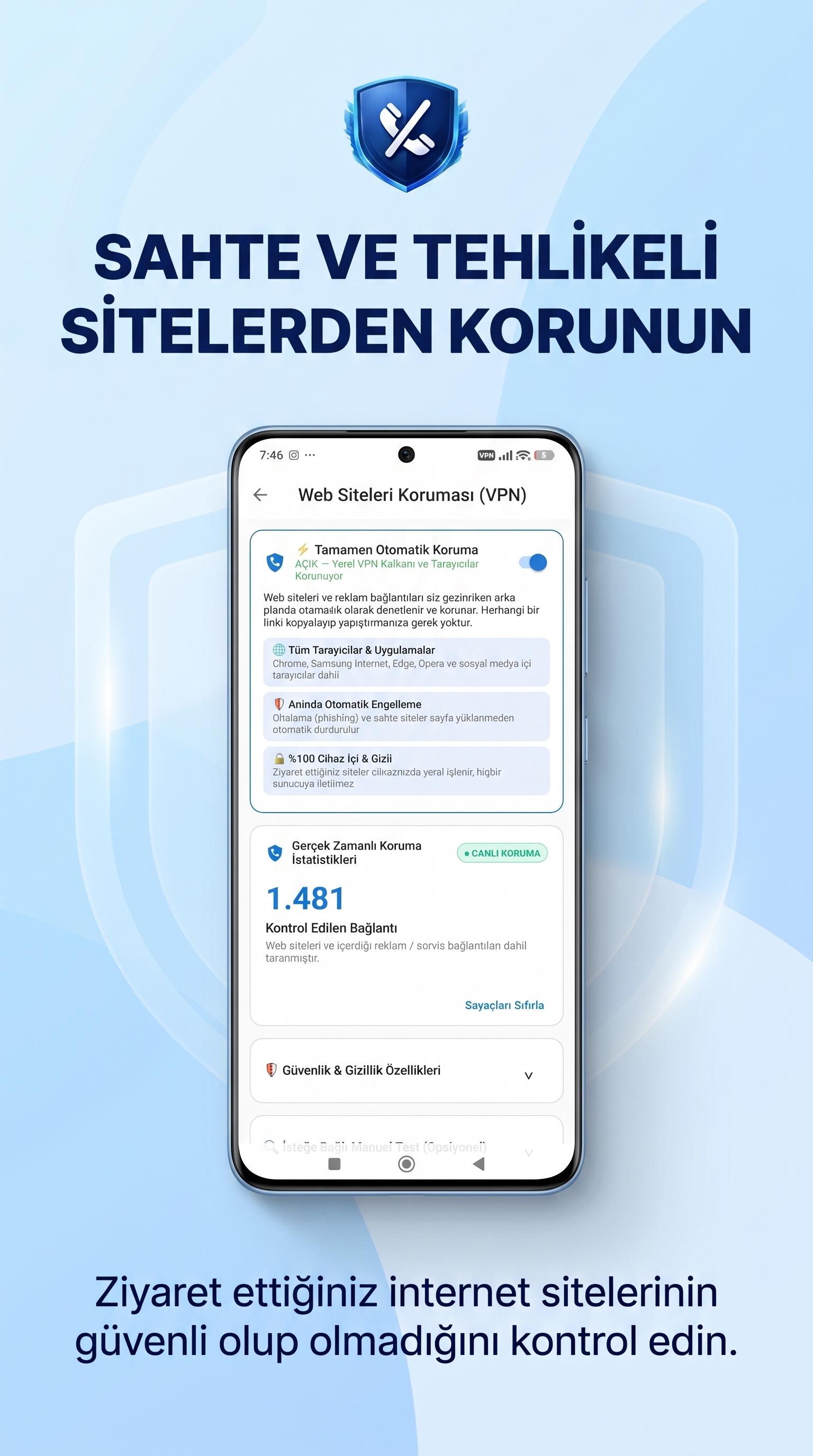
A link received through a text message or another online channel may lead to an unwanted website. Link Protection helps you check links and receive warnings about potential risks, based on the app's available capabilities.
Avoid entering passwords, verification codes or payment details on websites whose trustworthiness you have not confirmed.
SpamBlock also provides additional tools to help you customise your phone experience based on your personal and family needs.
Use the available number management and blocking options to control which numbers you do not want to receive calls from.
Review message information and status through the reporting tools available in the app.
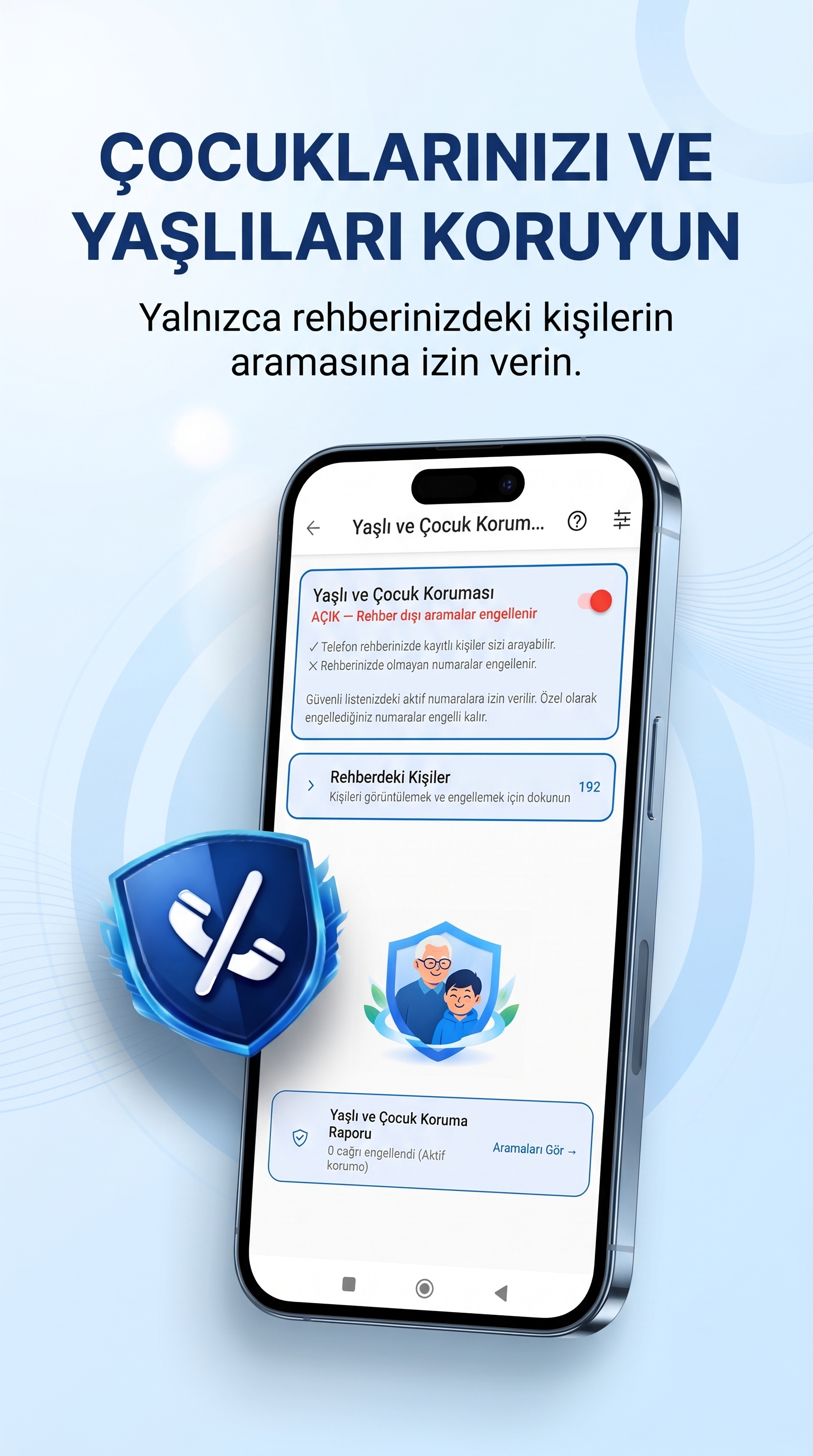
Explore options designed to help manage and support phone use within your family.
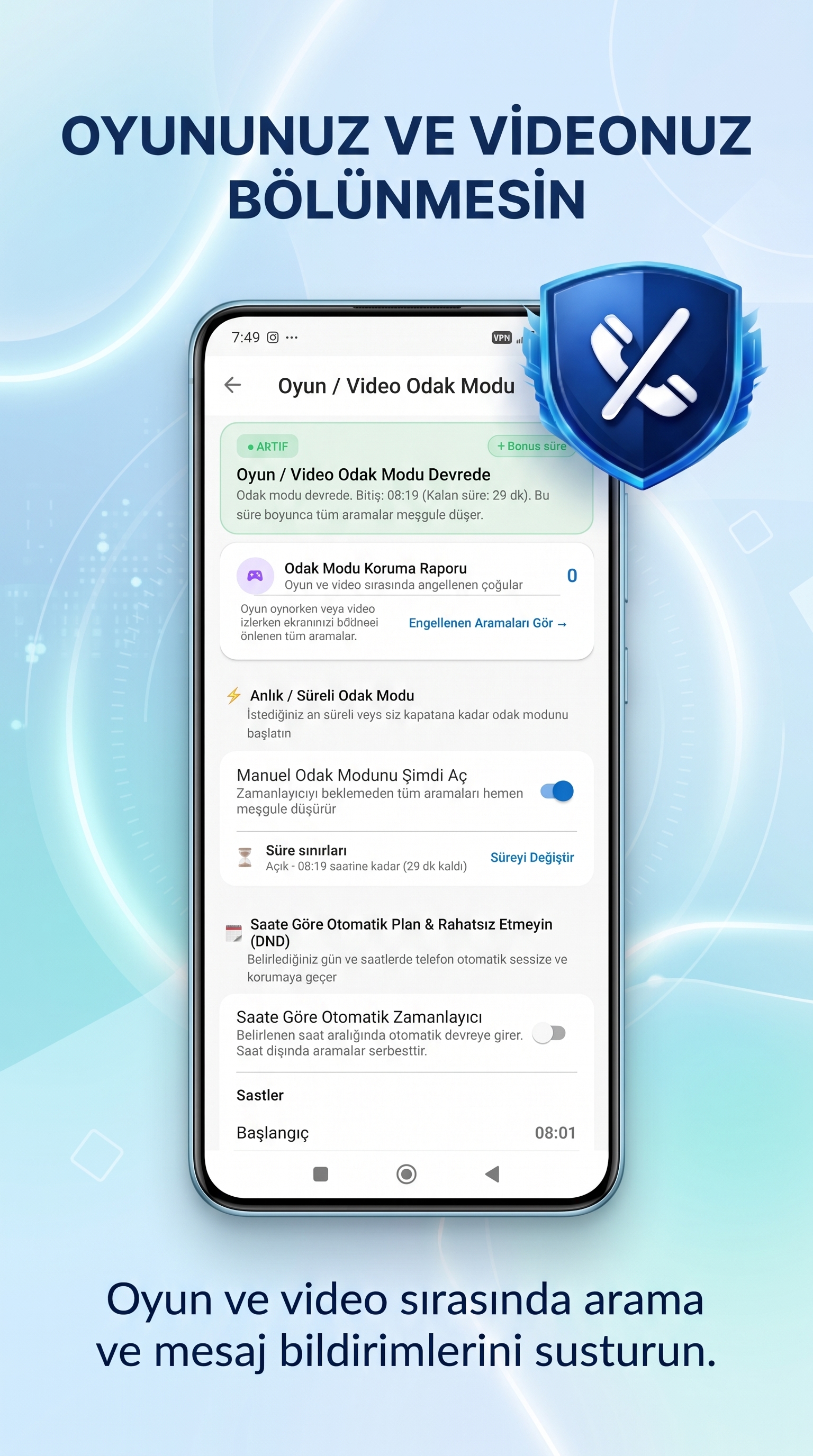
Customise your phone experience with modes designed to support focused activities and gaming.
Download the app from Google Play, open SpamBlock and follow the setup instructions. Review the requested permissions to enable the features you want to use. Available options may vary depending on your device and Android version.
Find more information in the SpamBlock user guide.
SpamBlock is an Android app that helps users manage unwanted calls, suspicious SMS messages and links that may pose a risk.
Visit the official SpamBlock Google Play listing to check the current usage options, plans and subscription conditions.
SpamBlock is currently available for Android devices. Check the official Google Play listing for compatibility details.
Some call protection features require specific permissions or roles on Android. Follow the instructions in the app and review your device settings.
No solution can guarantee the detection of every risk. Protection depends on available features, permissions and device settings. Always be careful with unfamiliar messages and links.
You can visit the SpamBlock user guide or contact the team through the Walerins support page.
Discover SpamBlock and its tools for managing calls, messages and links on your Android phone.
Download SpamBlock on Google Play