Phone Number Management
Use the available number management and blocking options to choose how you handle incoming calls.
SpamBlock · Android Phone Security
Take greater control of your everyday phone communication. SpamBlock for Android helps you manage unwanted calls, review suspicious SMS messages and stay alert to potentially risky links.
View SpamBlock on Google PlayAvailable for Android devices. Some features require specific permissions and device settings.
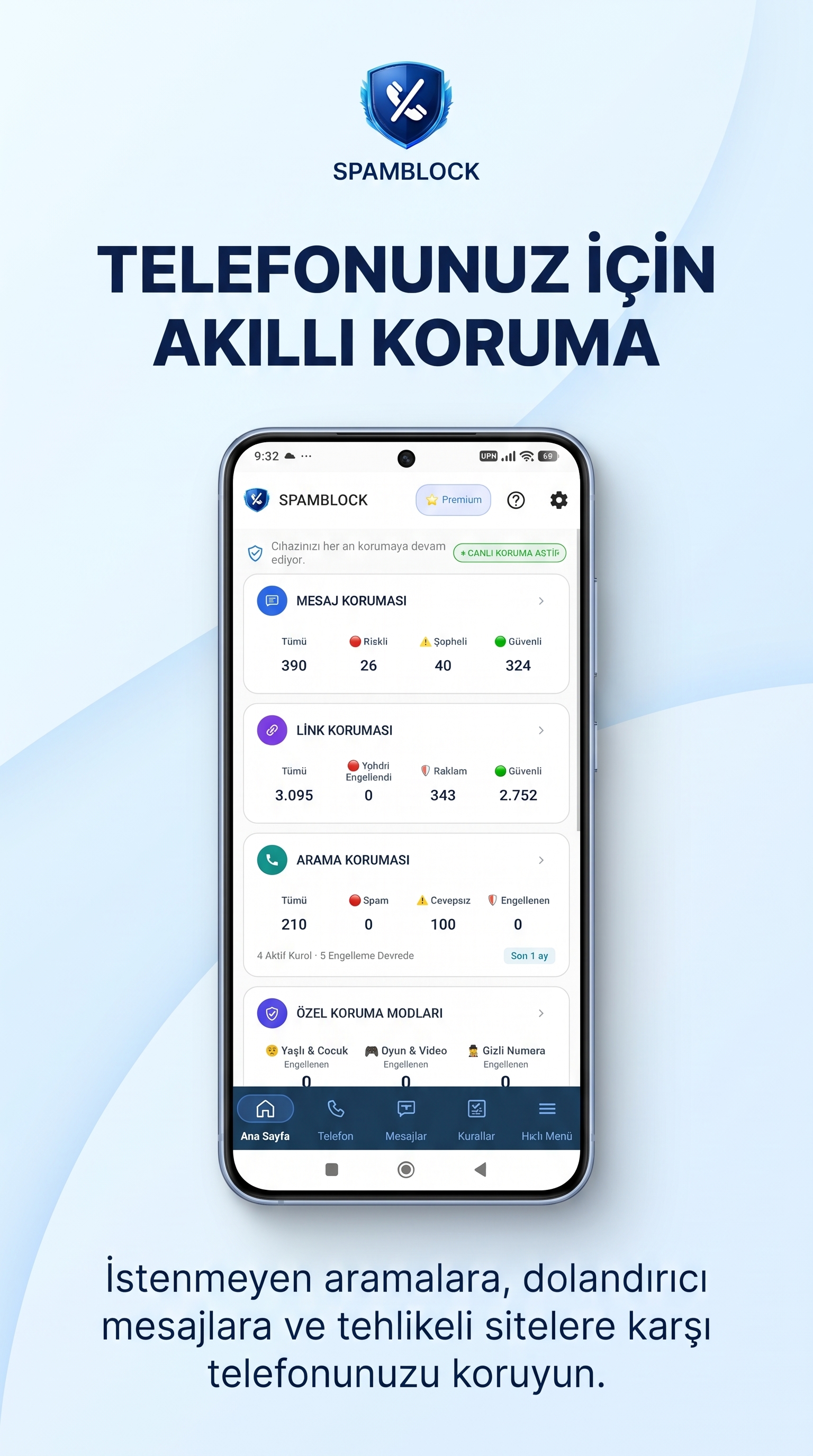
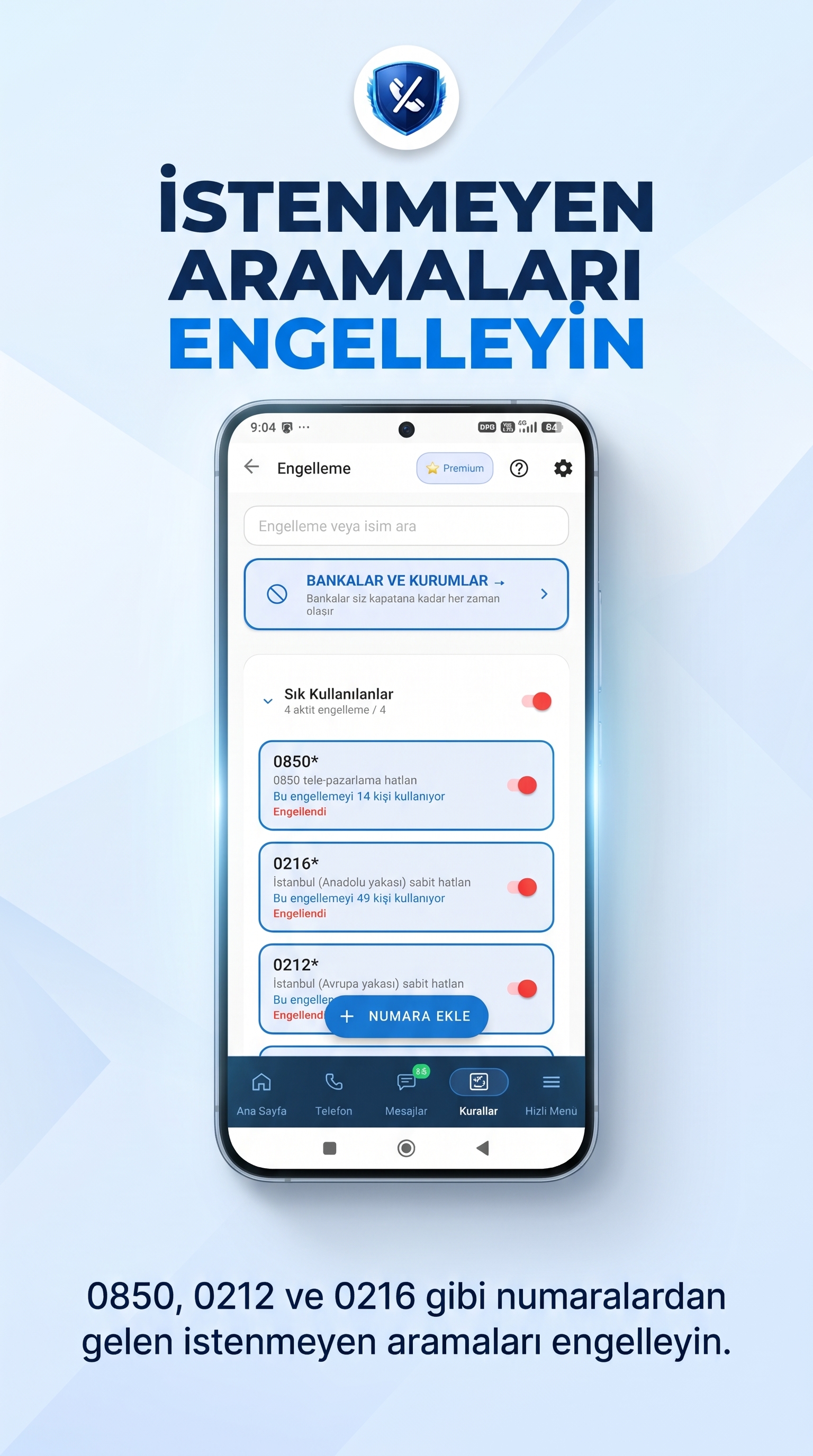
Unwanted calls from unknown numbers can interrupt your daily routine. SpamBlock provides tools to help you manage incoming calls and decide how to handle specific numbers.
Depending on the permissions you grant and your Android device settings, you can use the available call protection and number management features.
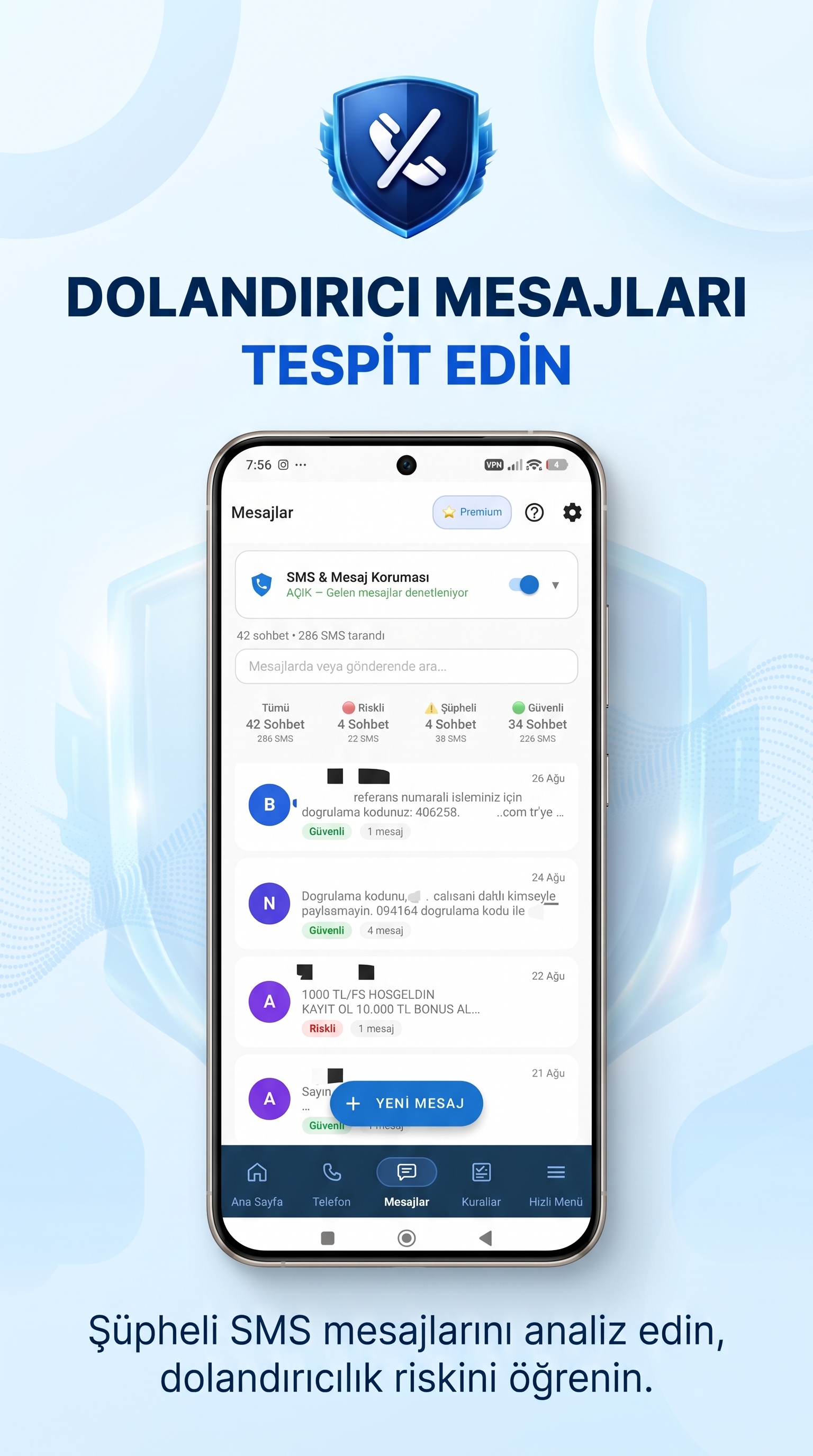
Unwanted text messages may contain advertisements, suspicious requests or unexpected links. SpamBlock helps you review and manage messages using the features available in the app.
Always check the sender before replying, sharing personal information or following instructions in an unfamiliar message.
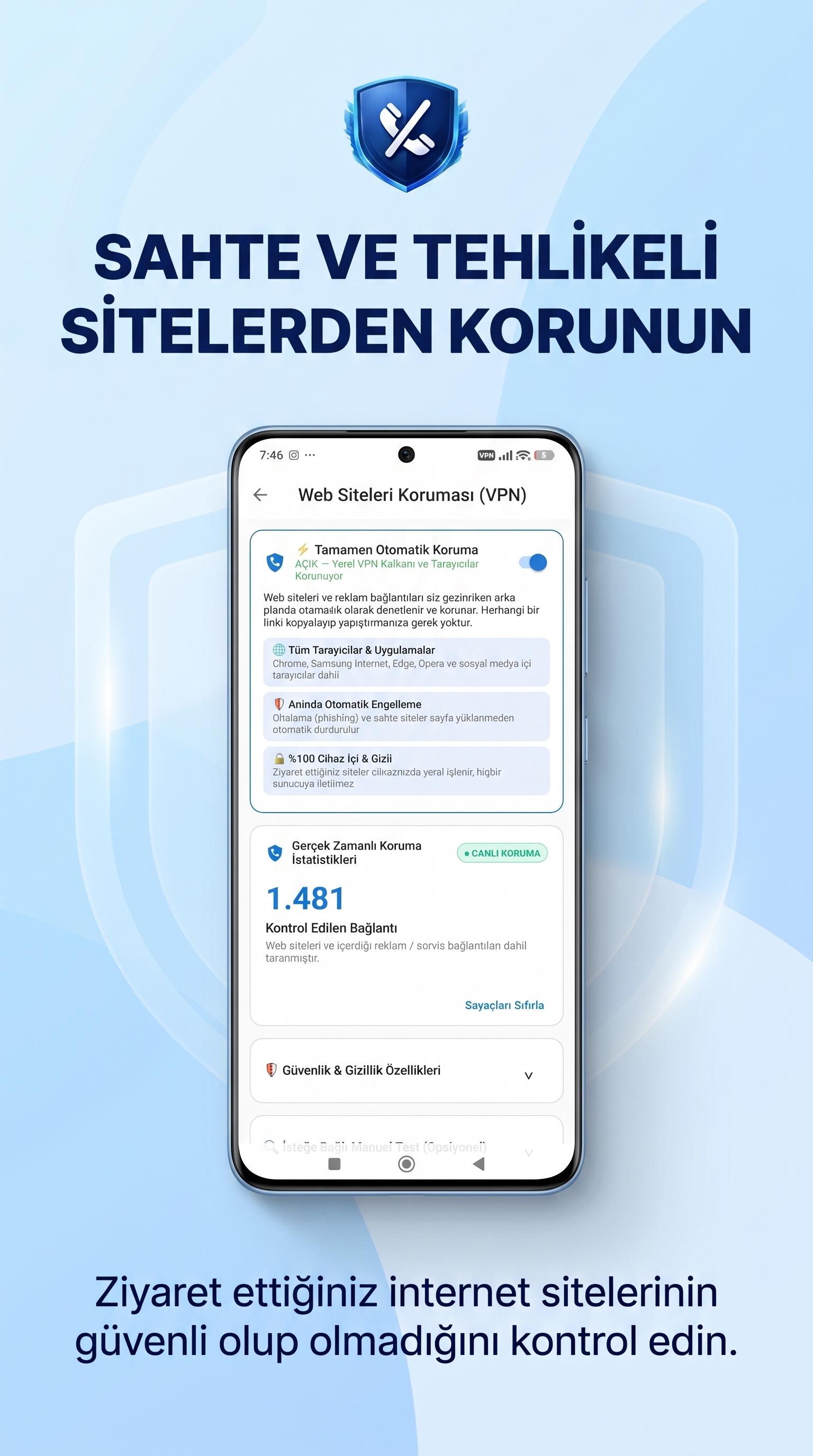
Links received through SMS or encountered online may lead to unwanted or potentially harmful websites. SpamBlock's link protection tools help you review links and pay attention to potential risks.
Avoid entering passwords, verification codes or payment details until you have checked that a website is trustworthy.
SpamBlock also offers additional tools to help you manage your smartphone according to your needs.
Use the available number management and blocking options to choose how you handle incoming calls.
Review message information and available reports within the app.
Explore features designed to help manage smartphone use for family members.
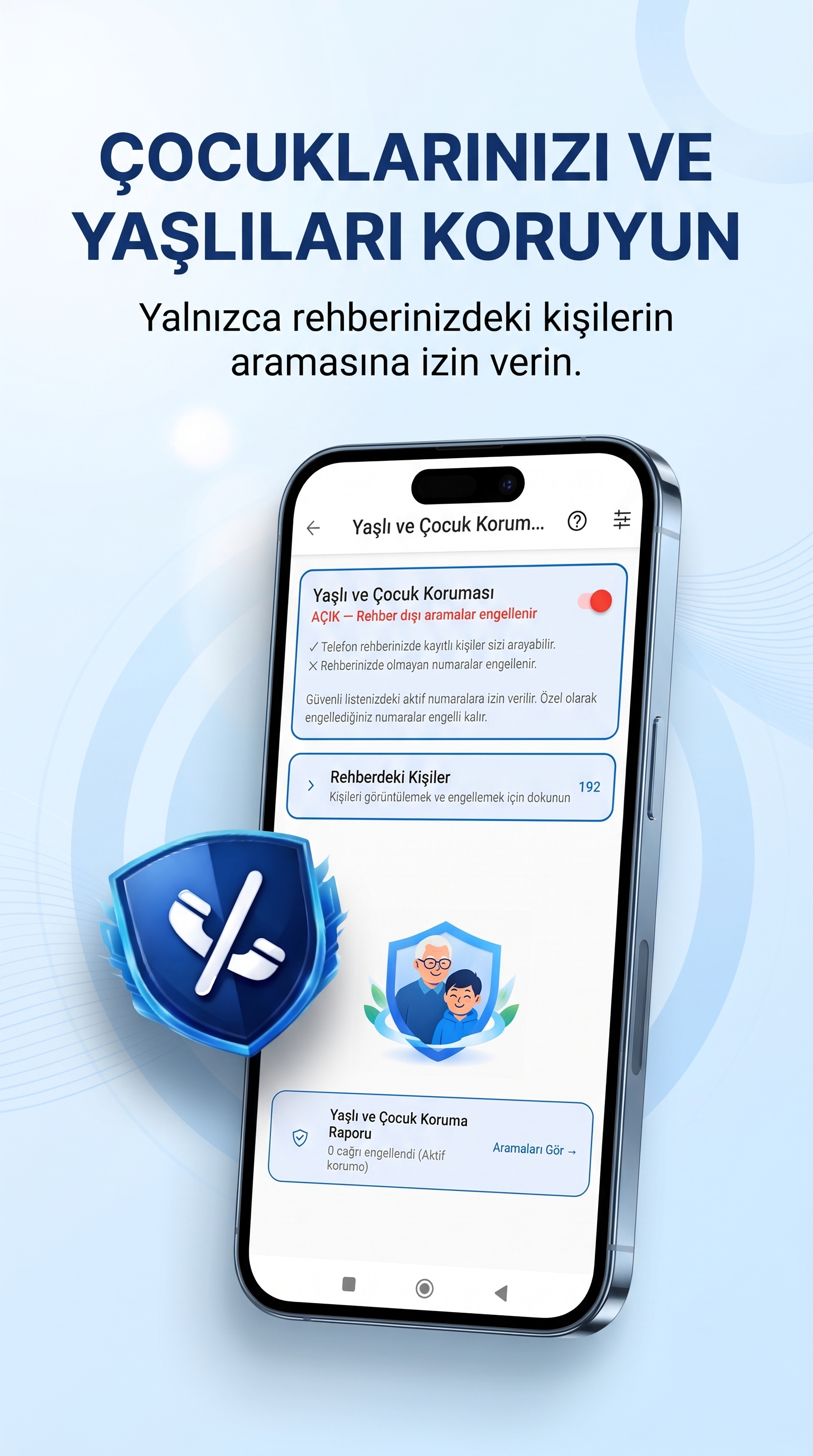
Manage your smartphone experience during gaming or activities that require concentration.
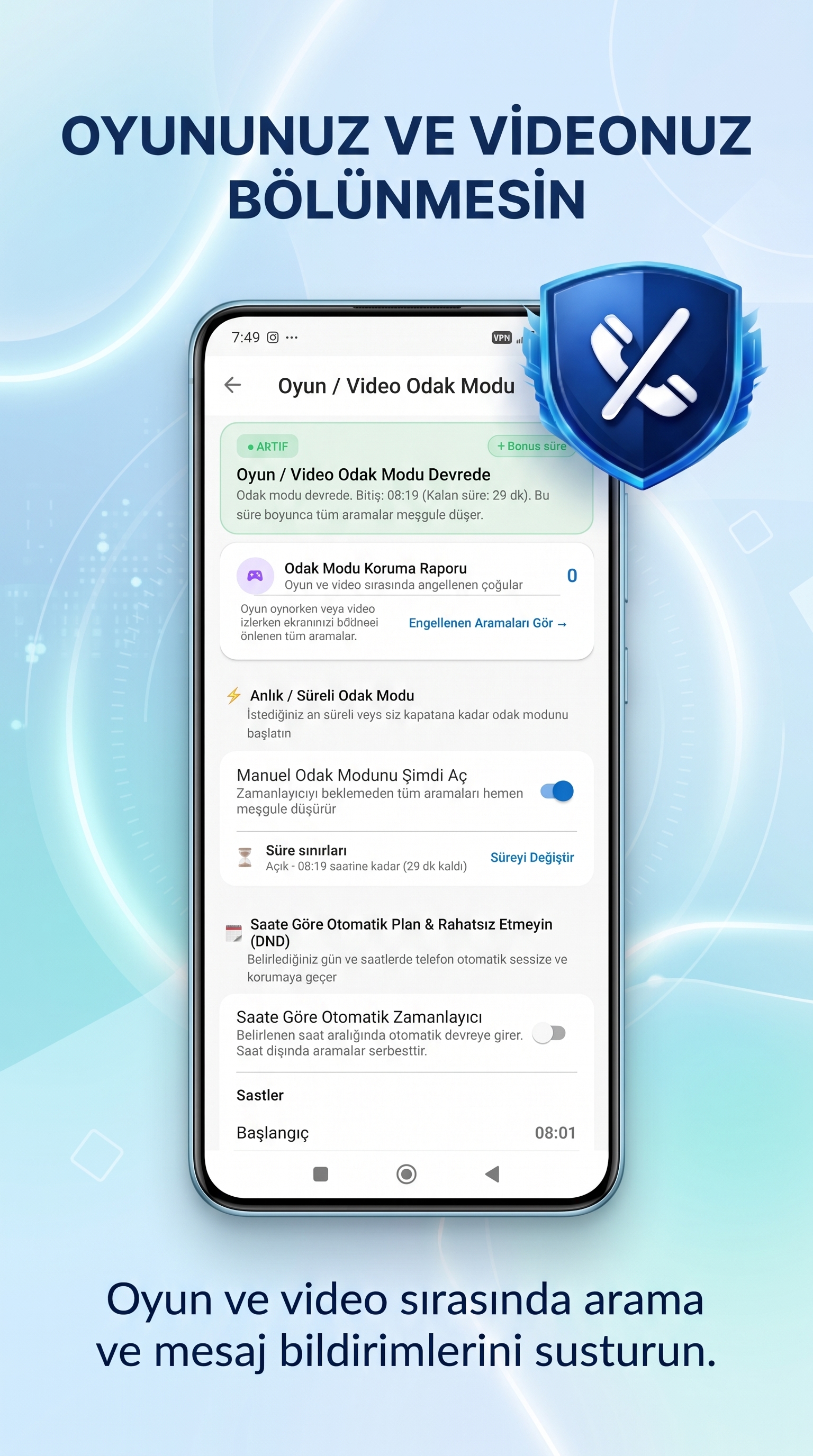
Download the app from Google Play and open SpamBlock. Follow the setup instructions and review the permissions requested for the features you want to use. Available options may vary depending on your device and Android version.
For step-by-step instructions, visit the SpamBlock User Guide.
SpamBlock is an Android app that helps users manage unwanted calls, suspicious SMS messages and potentially risky links.
Check the official Google Play listing for the latest pricing, subscription options and free trial conditions.
SpamBlock is currently available for Android devices. Check the official Google Play listing for compatibility details.
Some call protection features require specific Android permissions or system roles. Follow the instructions in the app and review your device settings.
No app can identify every possible threat. Protection depends on the available features, permissions and device settings. Always use caution with messages and links from unfamiliar sources.
Read the SpamBlock User Guide or contact us through the Walerins Support Page.
Explore SpamBlock's tools for managing calls, messages and links on your Android smartphone.
Download SpamBlock on Google Play