SpamBlock · Android Phone Security
SpamBlock – Block Spam Calls, Manage Suspicious Texts & Protect Your Links
SpamBlock helps you manage unwanted calls, suspicious text messages and potentially risky links on your Android phone. Use practical security tools to take greater control of your everyday phone communications.
Block the unwanted. Protect what matters.
Get SpamBlock on Google PlaySpamBlock Features
SpamBlock brings together tools to help you manage calls, text messages and links. Available features may depend on your Android version, device and the permissions granted to the app.
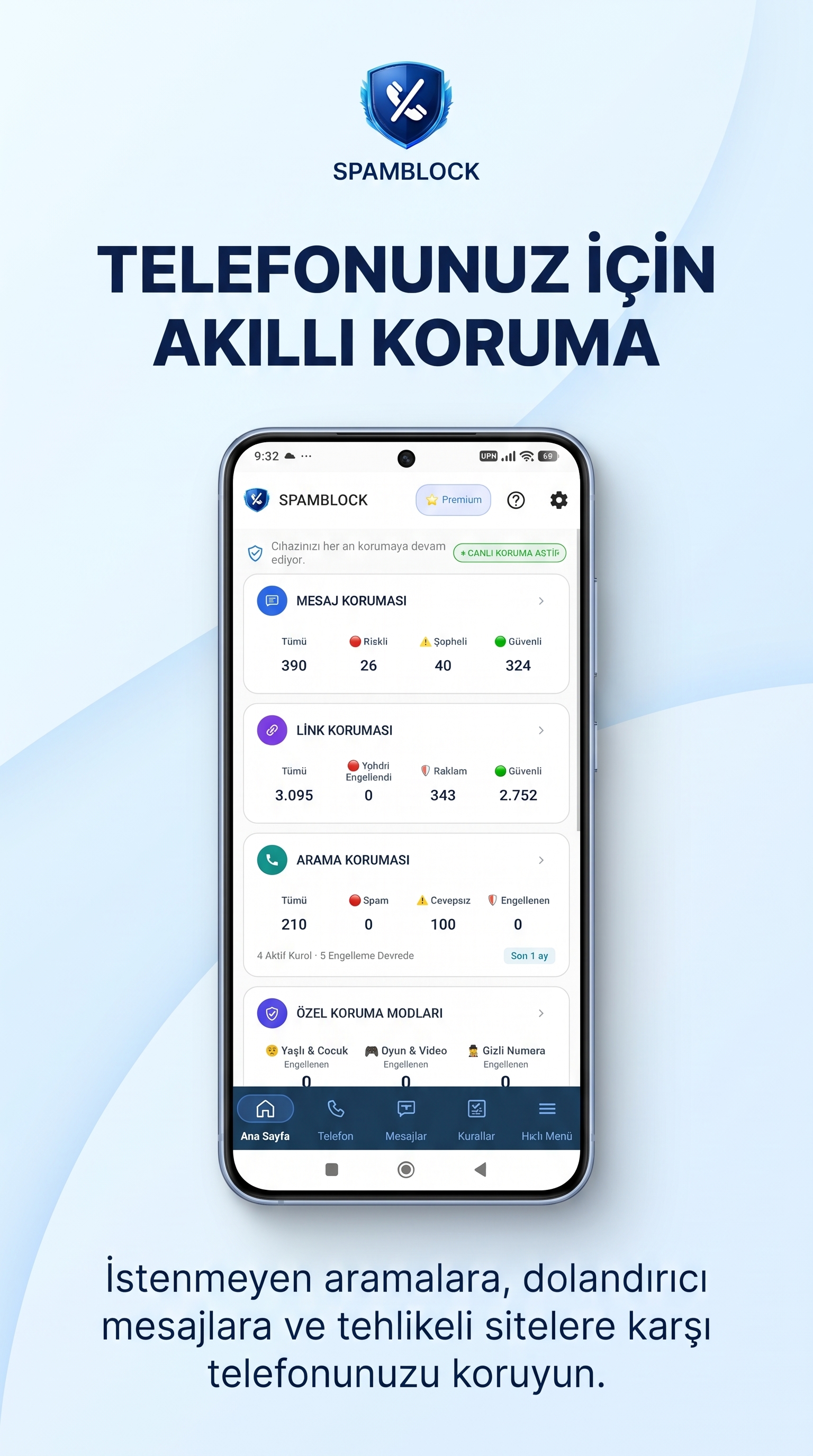
Unwanted Call Protection
Get help identifying and managing unwanted or potentially suspicious phone calls. Use the available features to have greater control over the calls you receive.
- Manage unwanted phone calls.
- Use available call-blocking options.
- Keep your call management organised.
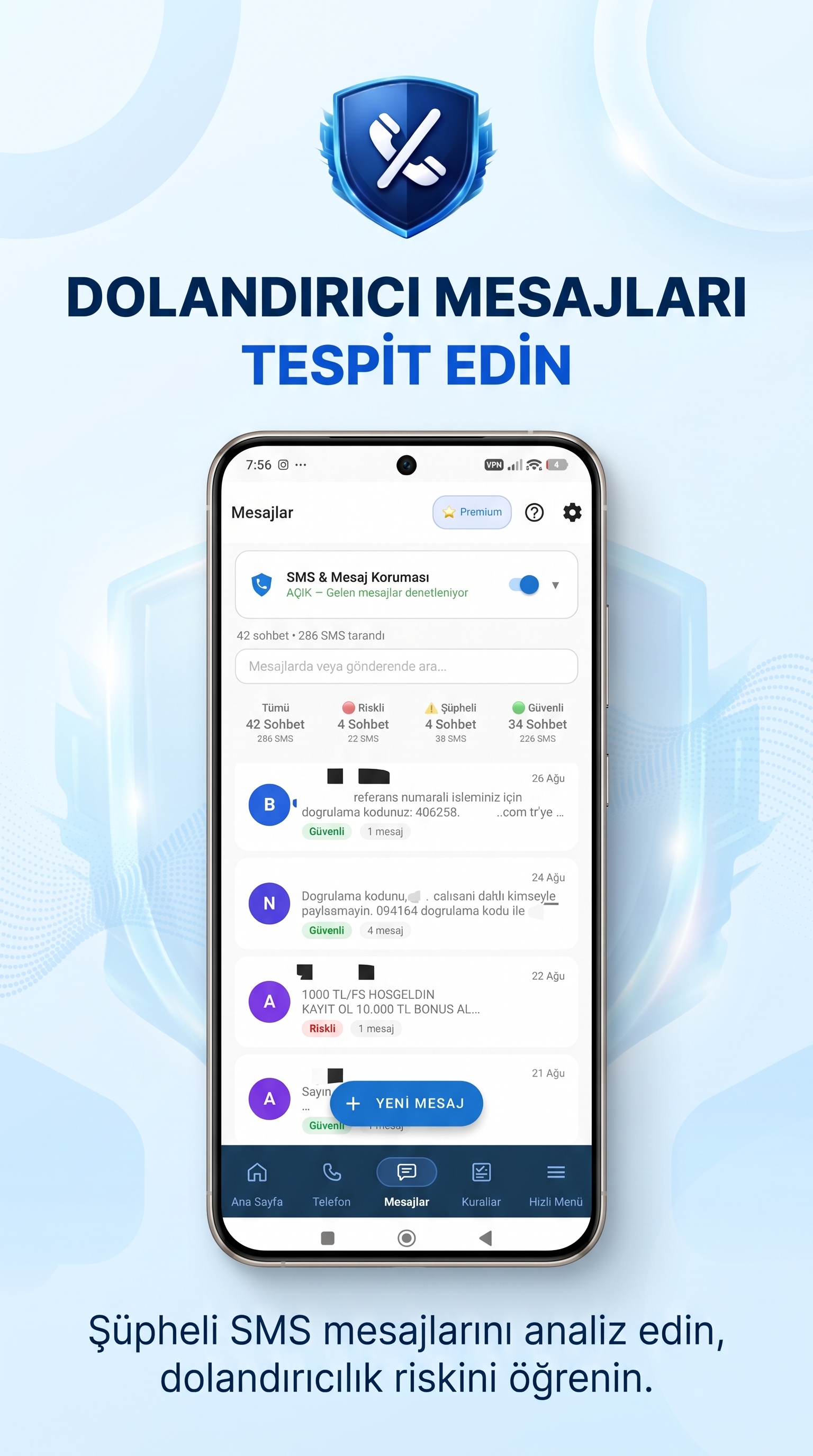
SMS Protection
Keep track of text messages that may be suspicious or unwanted. SpamBlock helps you review message-related security reports and understand their status.
- Review SMS security reports.
- Get an overview of suspicious messages.
- Pay attention to unexpected messages from unknown senders.
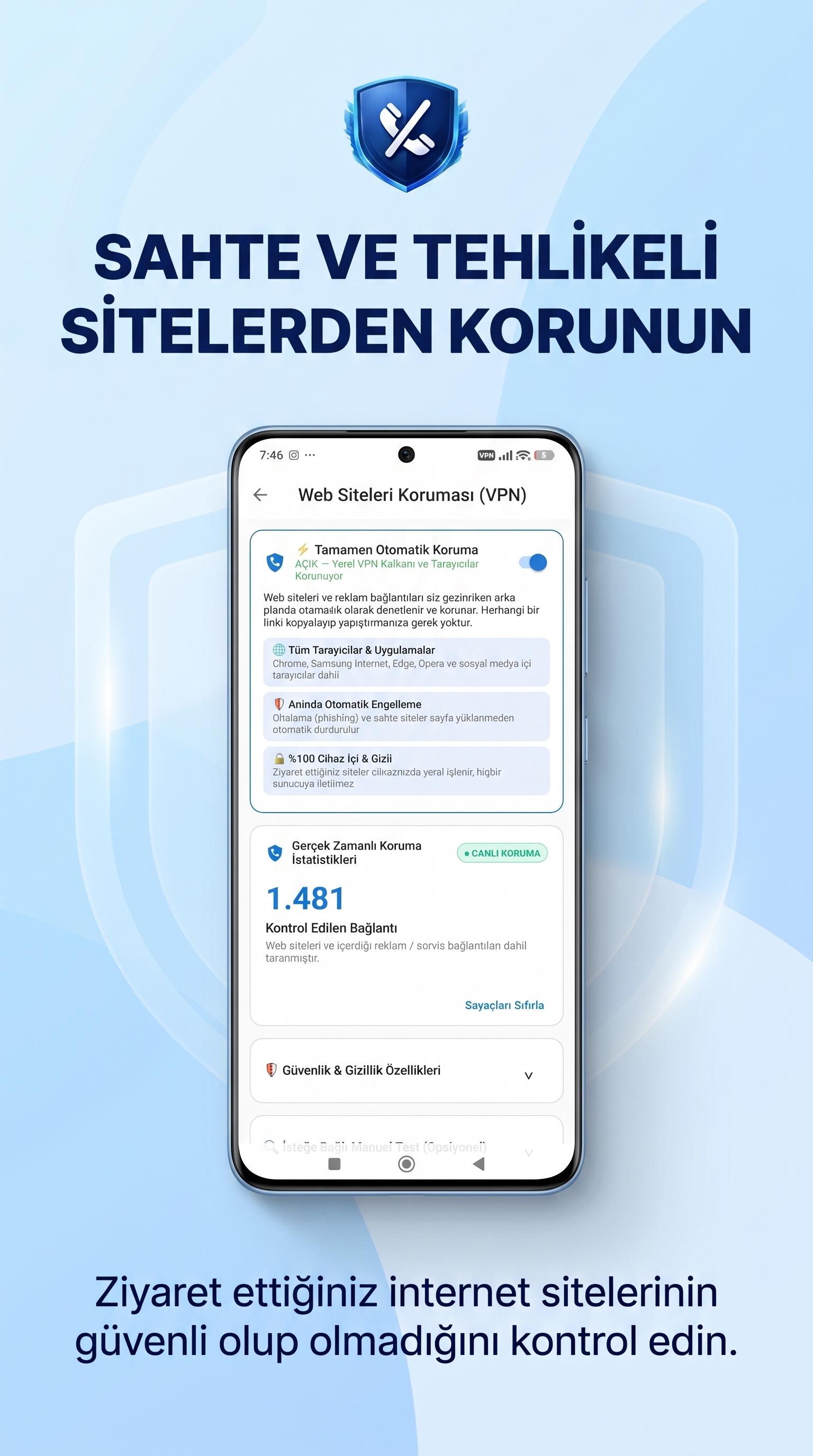
Link Protection
Be cautious with links that may lead to suspicious or unsafe websites. SpamBlock includes features to help you review and manage links.
- Review link-related reports.
- Pay attention to potentially risky links.
- Check unfamiliar links before opening them.
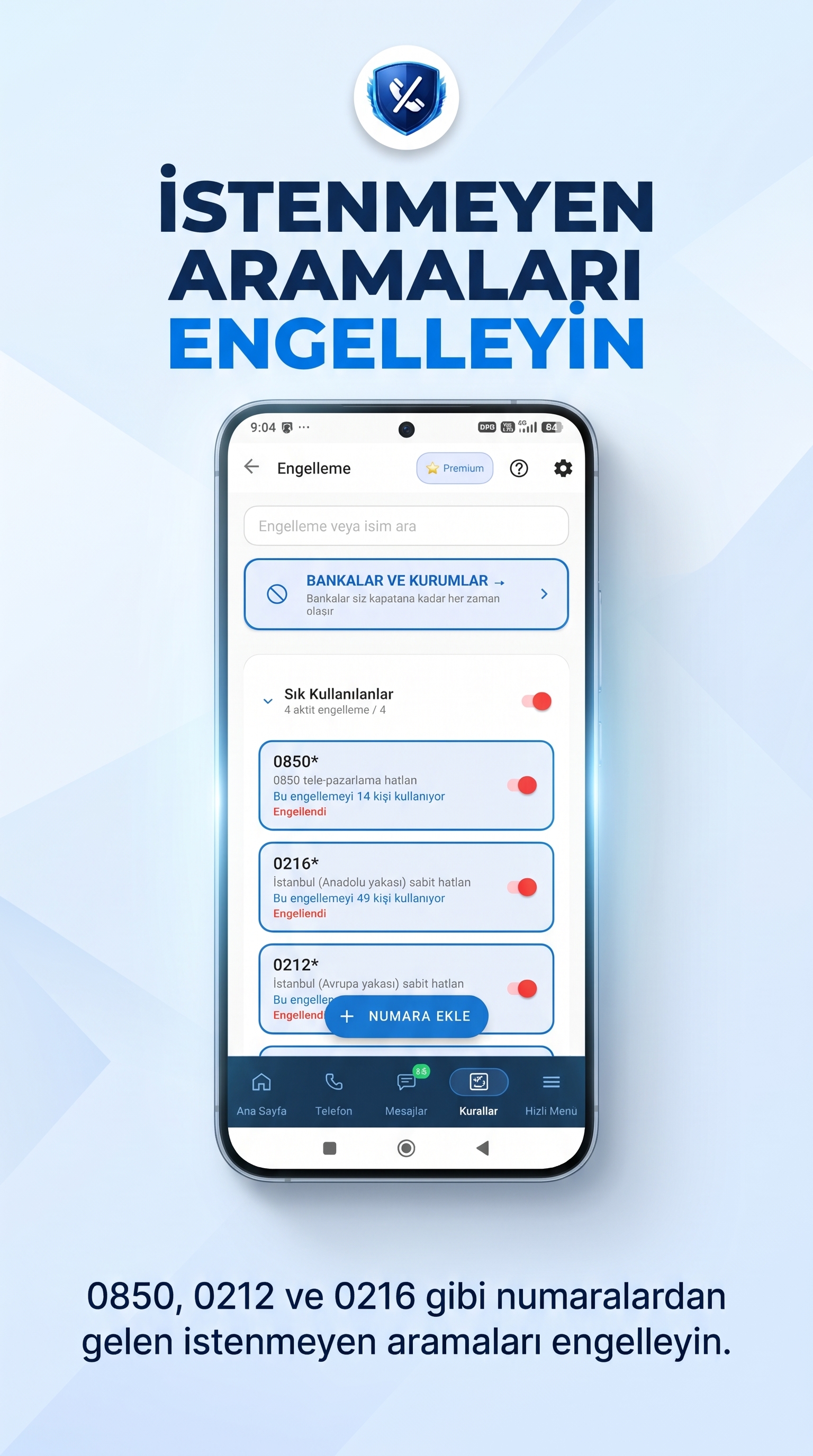
Number and Blocking Management
Use the available app settings to manage phone numbers and blocking preferences. Adjust how unwanted calls are handled using the options provided.
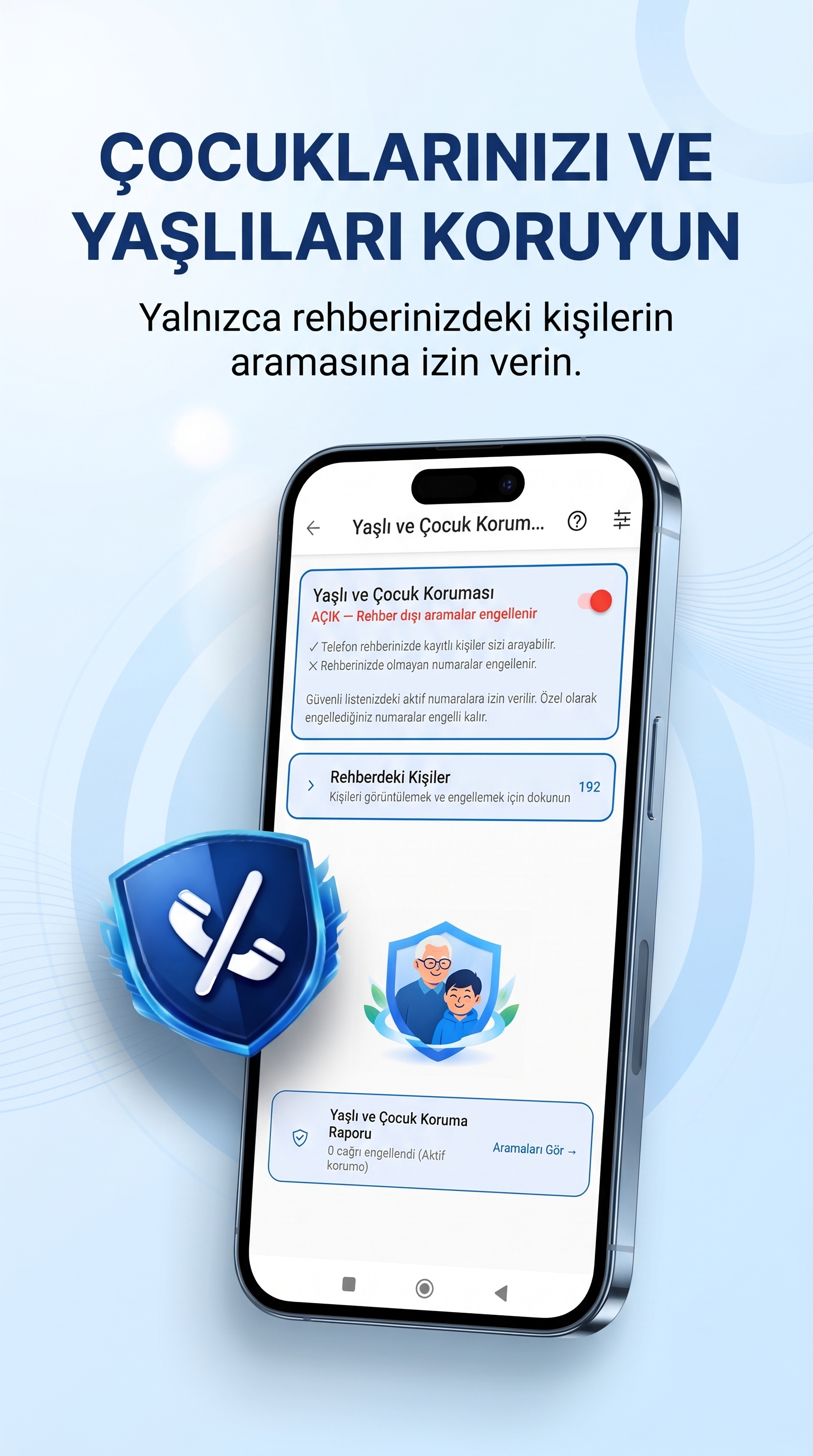
Family Features
SpamBlock includes family-oriented features that can help adapt the app experience to different needs.
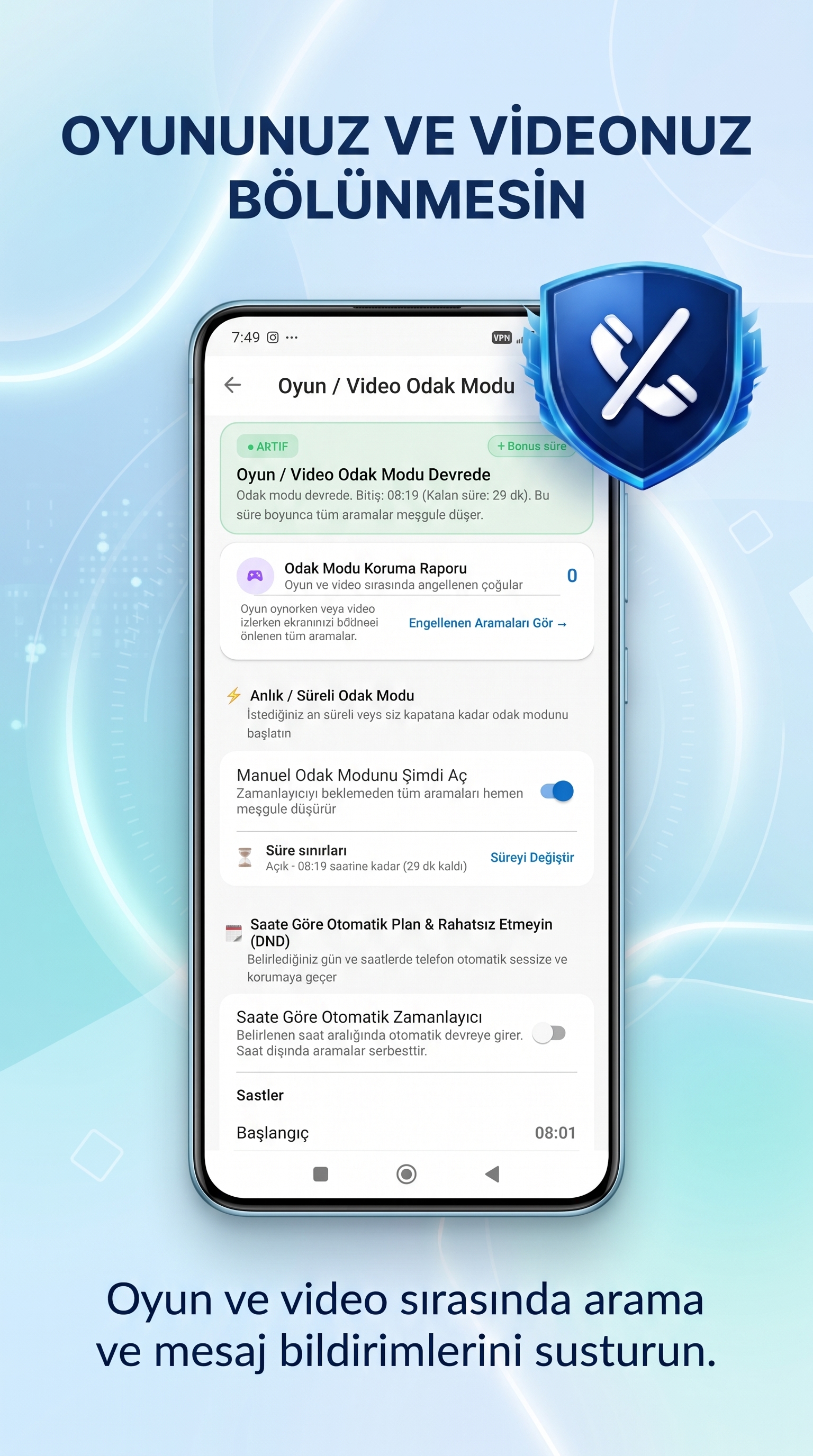
Gaming and Focus Mode
Use the available settings to customise your phone experience while gaming or when you want fewer interruptions.
Take Control of Your Phone Communications
Unwanted calls, suspicious messages and unfamiliar links can interrupt your day. SpamBlock provides tools to help you manage these situations and get a clearer overview of your Android phone communications.
Frequently Asked Questions About SpamBlock
What is SpamBlock?
SpamBlock is an Android app with features for managing unwanted calls, suspicious SMS messages and potentially risky links.
Can SpamBlock block spam calls?
SpamBlock includes features for managing and blocking unwanted calls. Available functionality may depend on your Android version, device and required permissions.
Can SpamBlock help with suspicious text messages?
Yes. The app includes SMS-related security features and reports to help you review suspicious messages.
Does SpamBlock include link protection?
Yes. SpamBlock includes link protection features that help you pay attention to links that may pose a risk.
Is SpamBlock available for Android?
SpamBlock is developed for Android devices. Check its Google Play page for the latest compatibility and availability information.
Where can I download SpamBlock?
You can find and download SpamBlock from Google Play.
Get More Control with SpamBlock
Manage unwanted calls, suspicious text messages and potentially risky links on your Android phone.
Get SpamBlock