SPAMBLOCK · ANDROID MOBILE SECURITY
SpamBlock: Block Spam Calls, Manage Unwanted SMS & Protect Against Risky Links
Take greater control of your everyday phone communication with SpamBlock. Designed for Android, SpamBlock helps you manage unwanted calls, suspicious SMS messages and potentially risky links through one mobile security app.
Unwanted calls and unexpected messages can interrupt your day. With SpamBlock, you can configure available blocking options and manage your phone communication according to your preferences.
Block what you don't want. Protect what matters.
- Platform
- Android
- Category
- Mobile Security
- Call Protection
- Unwanted Call Management
- Message Security
- SMS Protection
- Web Safety
- Link Protection
- Languages
- More than 100 supported interface languages
SpamBlock Features for Android Users
SpamBlock brings together practical mobile security and communication management features to help you stay in control of your Android phone.
- Spam Call Protection: Manage unwanted and potentially suspicious phone numbers.
- SMS Security: Review and manage suspicious or unwanted text messages.
- Link Protection: Help identify potentially risky links.
- Number Blocking: Configure available number and number-prefix blocking options.
- Family Options: Explore phone management features designed for family needs.
- Gaming and Focus Modes: Manage interruptions during gaming and focused activities.
- Privacy Controls: Configure available call and number management preferences.
A Practical Mobile Security Dashboard
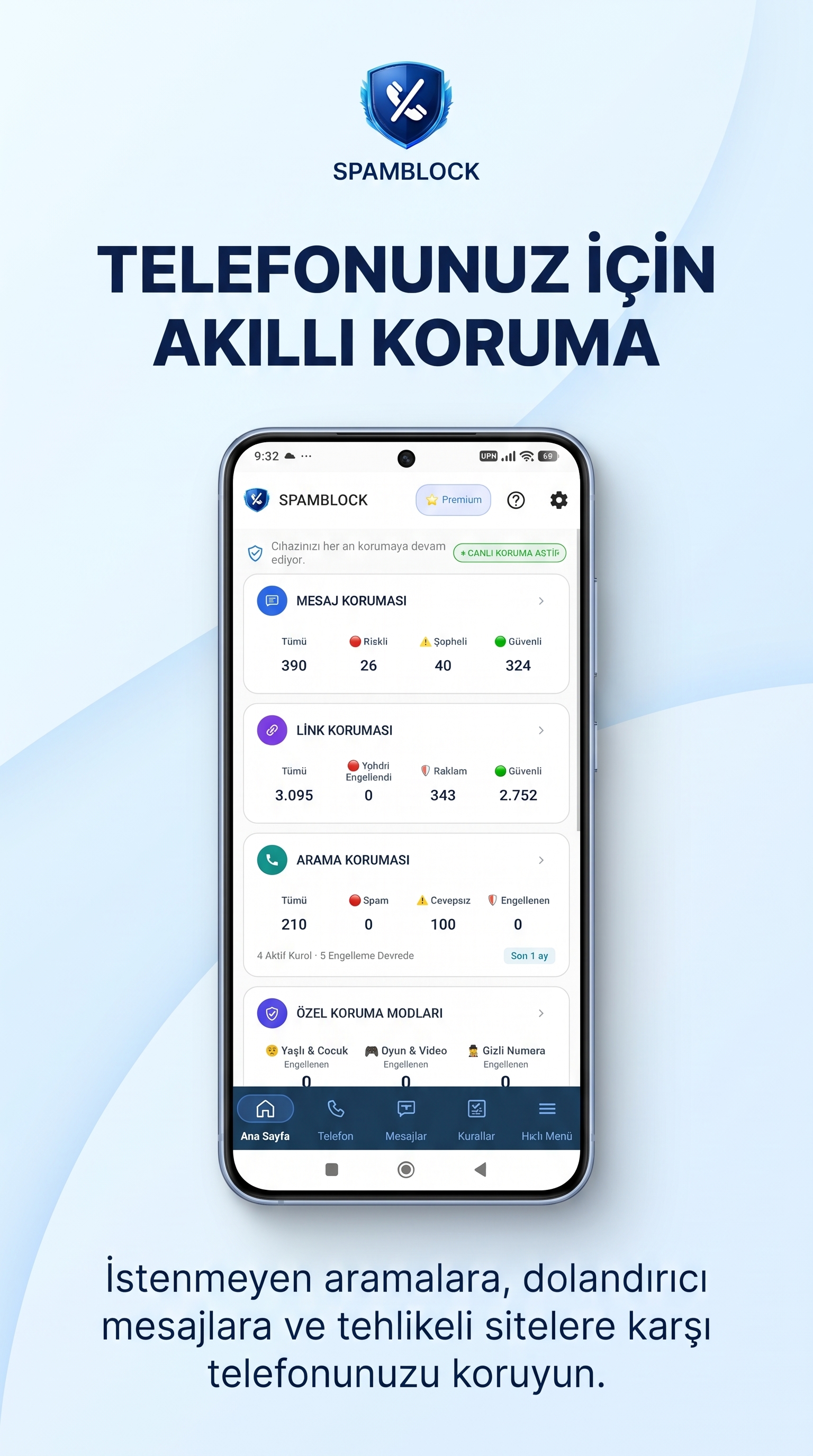
Block and Manage Unwanted Calls
Unwanted phone calls can interrupt work, personal time and everyday activities. SpamBlock provides call management tools that help you control which numbers you want to block.
Configure your available blocking preferences and manage unwanted numbers according to your needs.
Some call protection functions may require specific Android permissions, device settings or the default call-screening role. Available functionality may vary by device.
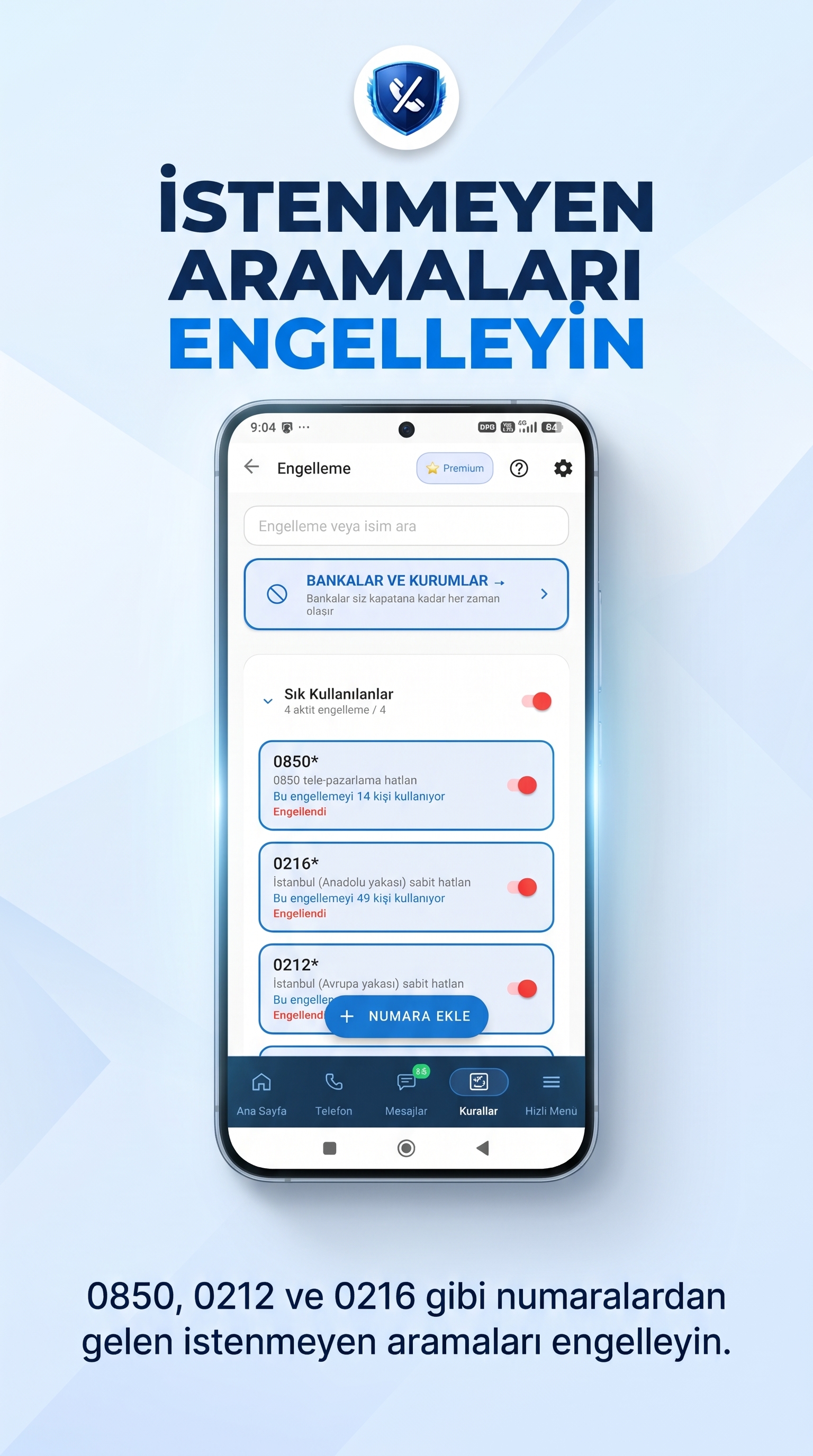
SMS Protection: Manage Suspicious Text Messages
Unexpected SMS messages can make it harder to keep your inbox organised. SpamBlock includes SMS security features designed to help you review and manage suspicious or unwanted messages.
Pay attention to messages that request personal information, contain unexpected offers or include unfamiliar links. Always verify the sender before responding.
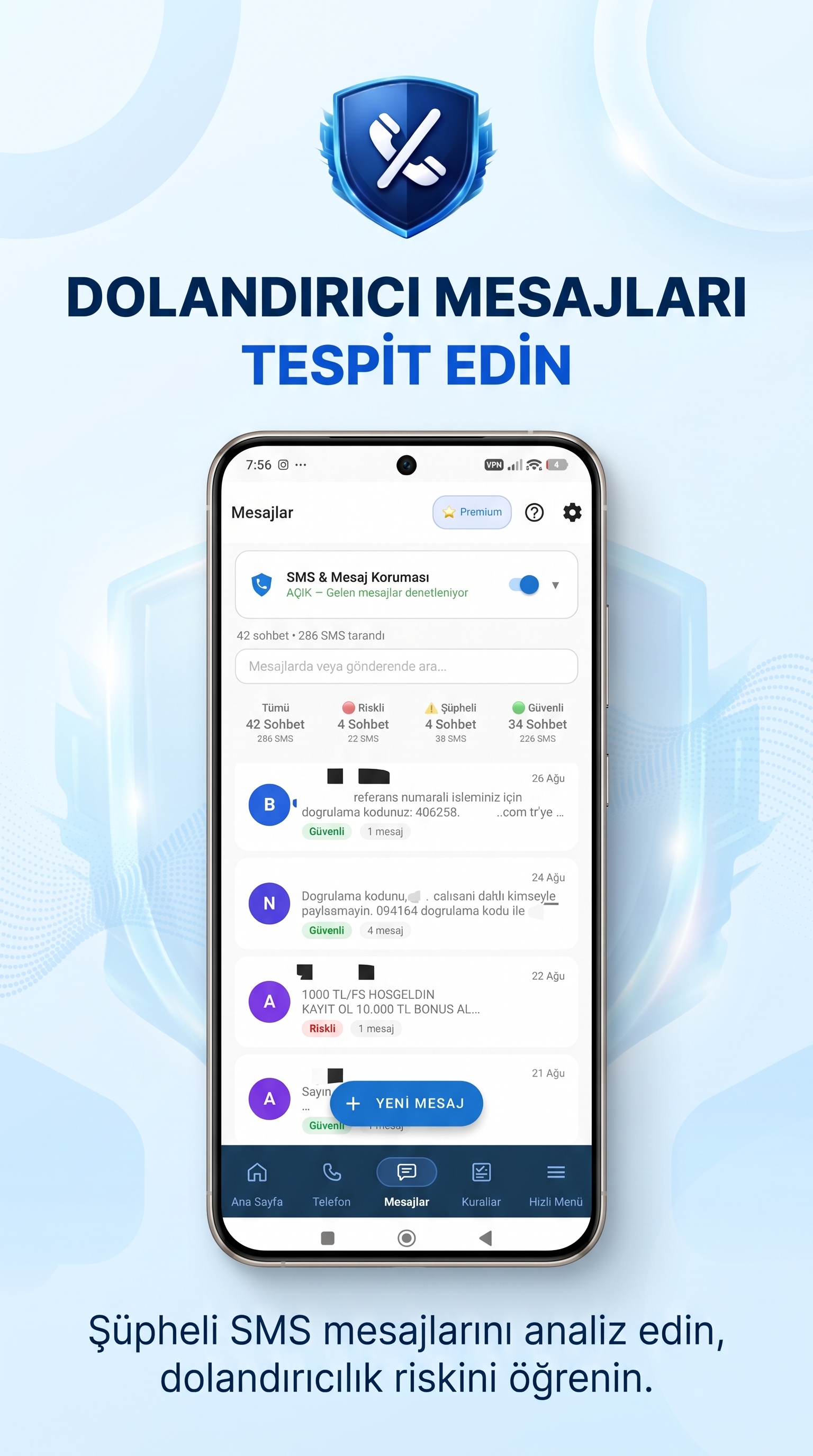
Link Protection: Be Careful with Suspicious Links
Links received through unexpected messages or unfamiliar sources may lead to unwanted websites or potentially harmful online experiences. SpamBlock includes Link Protection features designed to help identify potentially risky links.
Be cautious with links asking for passwords, banking details, payment information or other personal data. Check the website address before entering sensitive information.
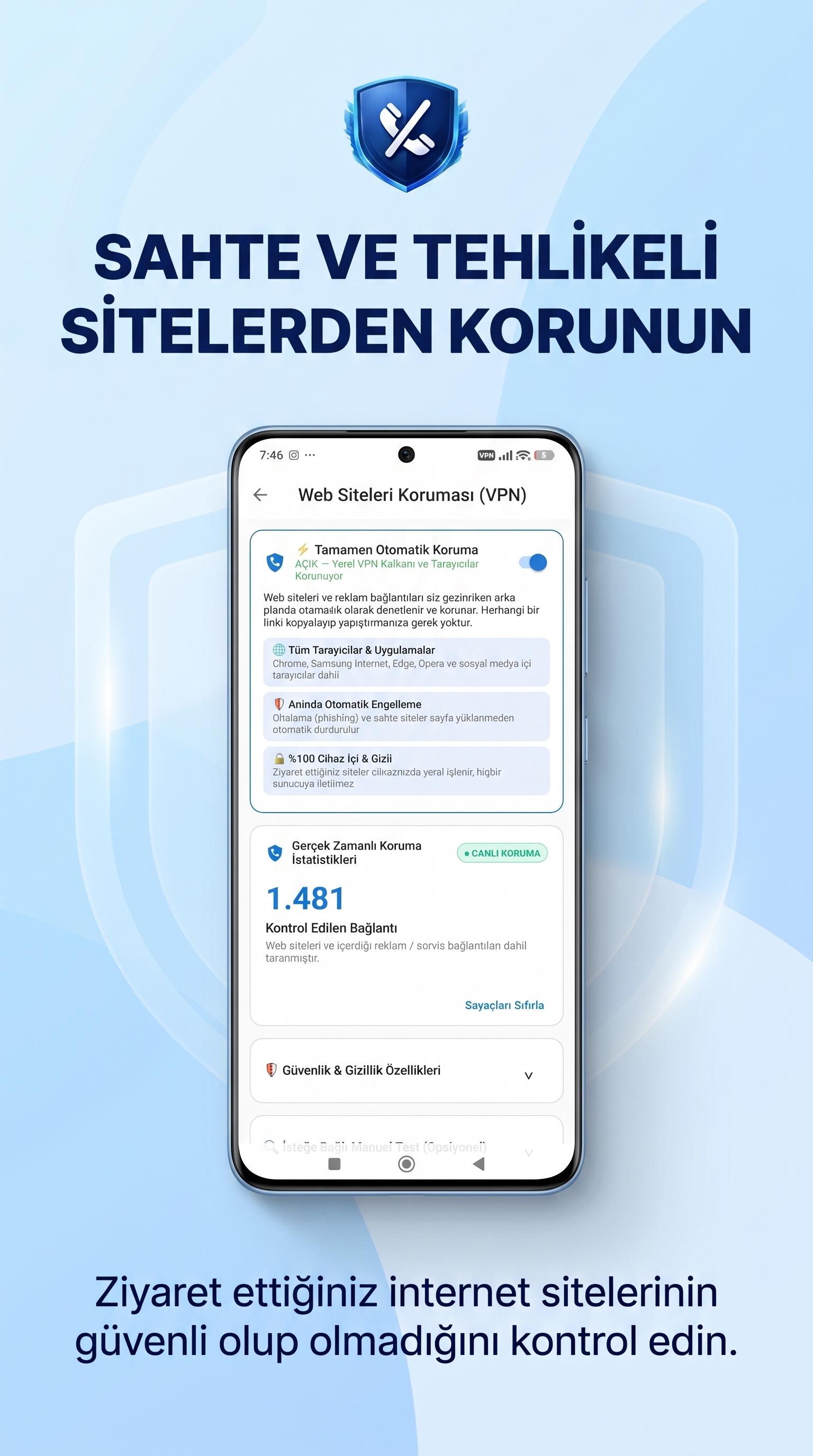
Number and Prefix Blocking Options
SpamBlock provides number management options that help you configure which phone numbers or number prefixes you want to block.
Set your blocking preferences according to your needs and the options available in the application.
Family-Focused Phone Management
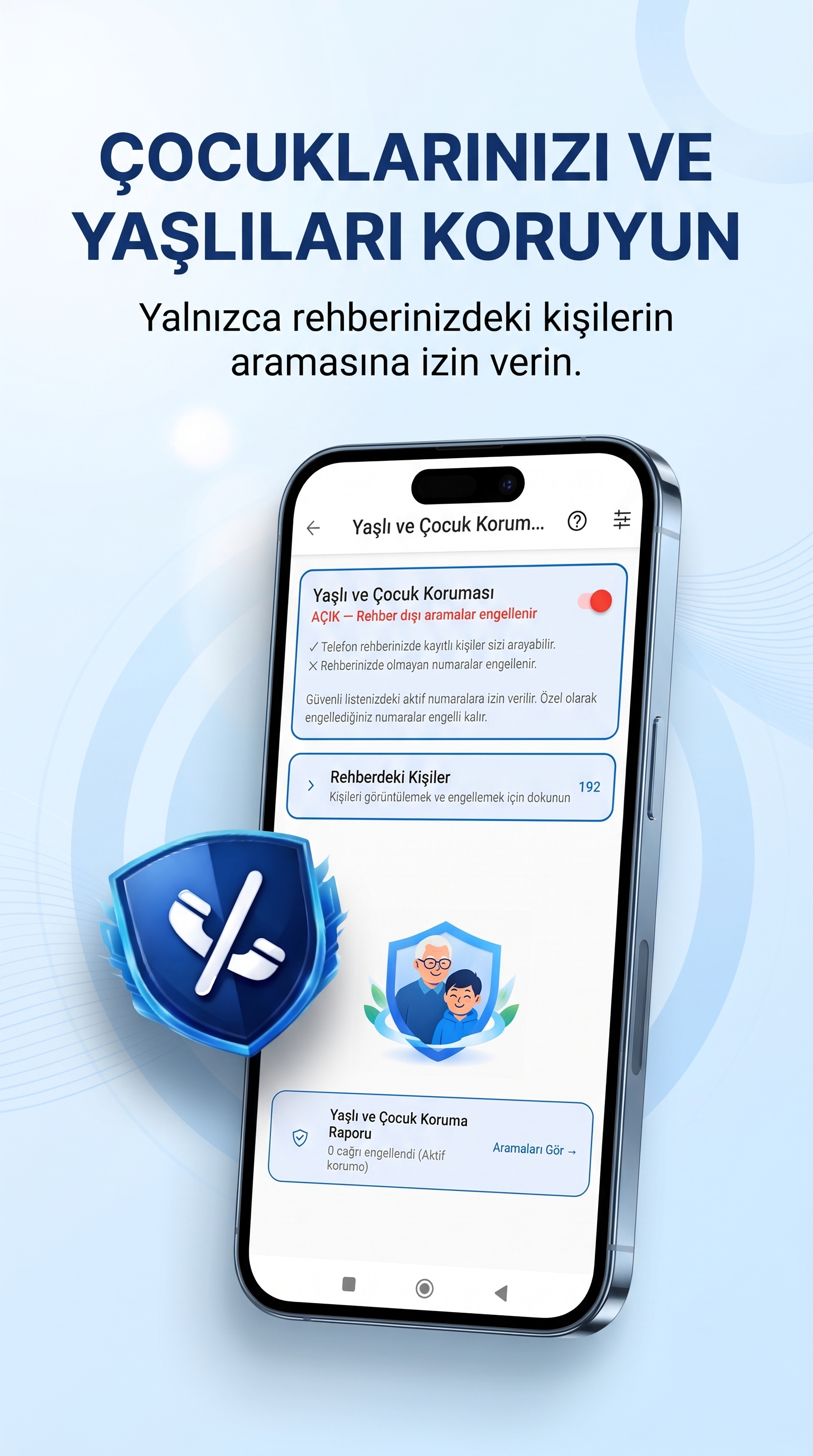
SpamBlock includes family-oriented options designed to help users manage phone communication and available protection settings for different needs.
Explore the family options inside the application and choose the settings that suit your requirements.
Gaming Mode and Focus Mode
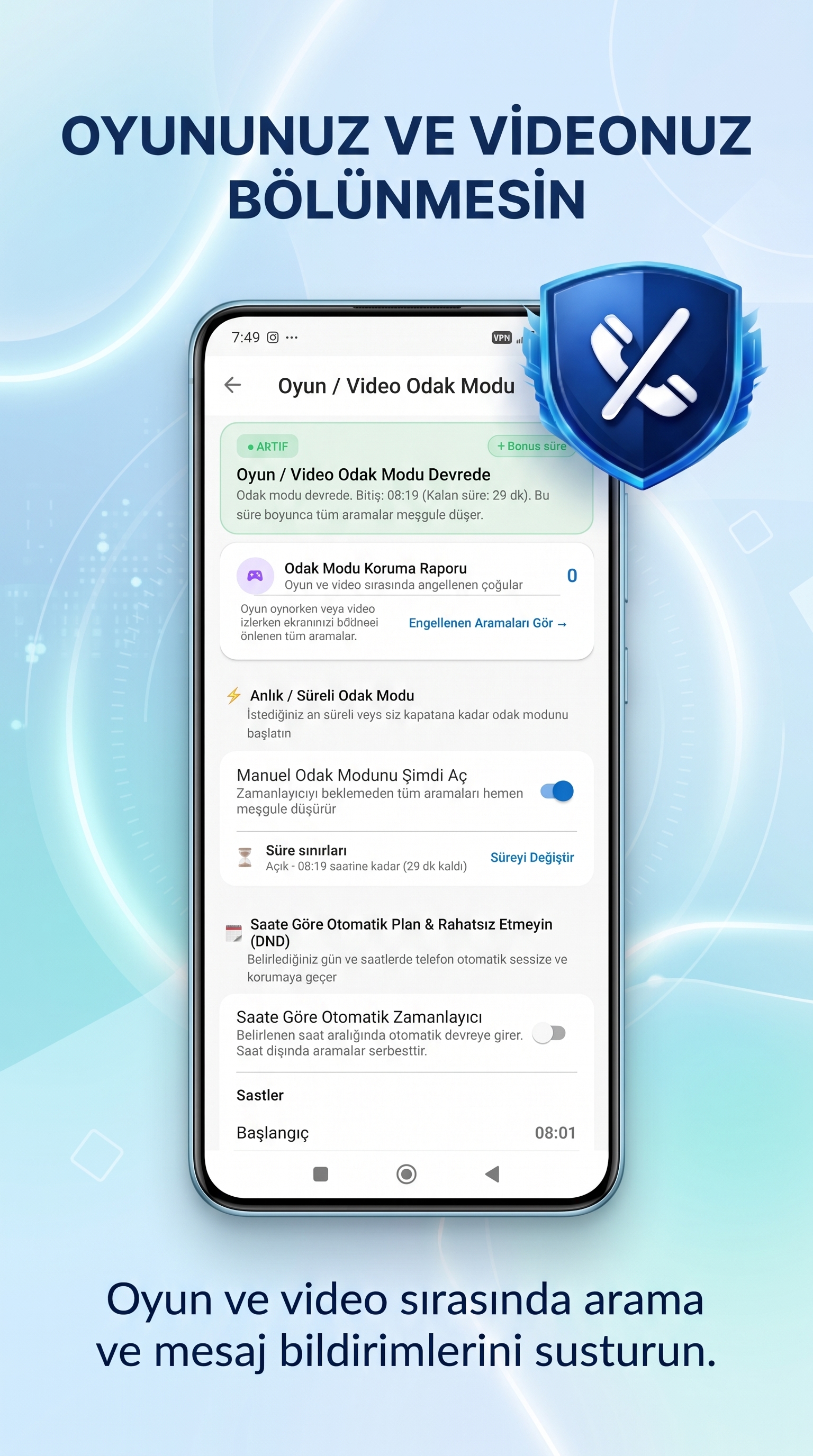
Incoming calls and notifications can interrupt gaming, studying or other activities that require concentration. SpamBlock includes Gaming Mode and Focus Mode options to help manage interruptions.
Explore the available settings and configure these modes according to your daily routine.
Who Can Benefit from SpamBlock?
SpamBlock is designed for Android users who want more control over their everyday phone communication.
- People who frequently receive unwanted calls.
- Users who want to manage suspicious SMS messages.
- People who want to be more careful with potentially risky links.
- Users who prefer to manage blocked numbers and call preferences.
- Families looking for available phone management options.
- People who want to manage interruptions while gaming, studying or working.
How Does SpamBlock Work?
SpamBlock provides mobile security and phone management features through its Android application.
- Download SpamBlock from Google Play.
- Open the app and follow the setup instructions.
- Review the permissions requested by the application.
- Configure the available call, SMS and link-related options.
- Manage your preferences directly within the app.
Available features may depend on your Android version, device configuration, granted permissions and selected application settings.
Frequently Asked Questions About SpamBlock
What is SpamBlock?
SpamBlock is an Android mobile security app that helps users manage unwanted calls, suspicious SMS messages and potentially risky links.
Can SpamBlock block spam calls?
SpamBlock provides call protection and number management features. Some functions may depend on Android permissions and device settings.
Does SpamBlock help manage unwanted SMS?
Yes. SpamBlock includes SMS security features designed to help users review and manage suspicious or unwanted messages.
Does SpamBlock offer link protection?
Yes. SpamBlock includes Link Protection features designed to help users identify potentially risky links.
Is SpamBlock available for iPhone?
SpamBlock is an Android application. Check the Google Play listing for current availability and compatibility details.
Does SpamBlock require Android permissions?
Some features may require Android permissions or specific device settings. Follow the instructions in the application and review each permission before granting it.
Where can I download SpamBlock in India?
You can find SpamBlock through its official Google Play listing. Availability may depend on your device and regional Google Play settings.
Does SpamBlock guarantee that every spam call or risky link will be blocked?
No mobile security application can guarantee the detection or blocking of every unwanted call, message or risky link. SpamBlock provides tools to help users manage these risks.
Take Control of Your Phone with SpamBlock
Manage unwanted calls, review suspicious SMS messages and explore Link Protection features with SpamBlock for Android.
Block what you don't want. Protect what matters.
Learn more about Walerins and its applications: Walerins Official Website
Need help? Contact SpamBlock Support